Take your training plan on the road: record GPS runs on your phone, follow calendar workouts with step-by-step cues, and see everything on the same RunExpress dashboard you use on the web.
Strava uploads are great when you already use Strava — but many runners just want today’s session on their wrist or in their pocket, with GPS and pace cues, without juggling extra exports. The Android companion connects directly to your RunExpress account: same plan, same activities, same PB and readiness views once you’re back on the web.
See it in action: starting a workout with location
When you tap Follow workout or Record free run, Android asks for location access so we can track your route in a foreground service while you run. The clip below shows granting permission and beginning a planned session — GPS pace and step cues kick in once you’re moving.
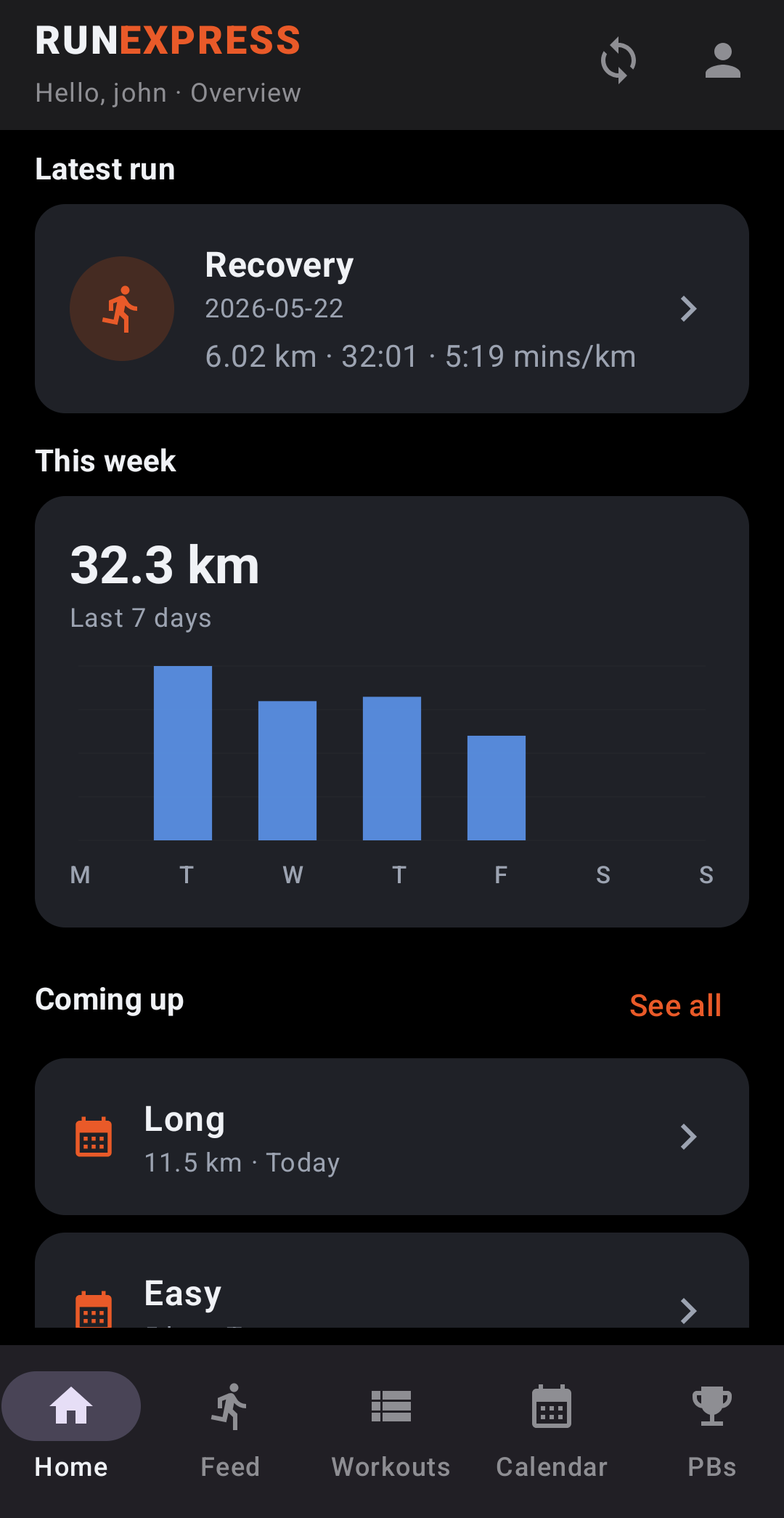
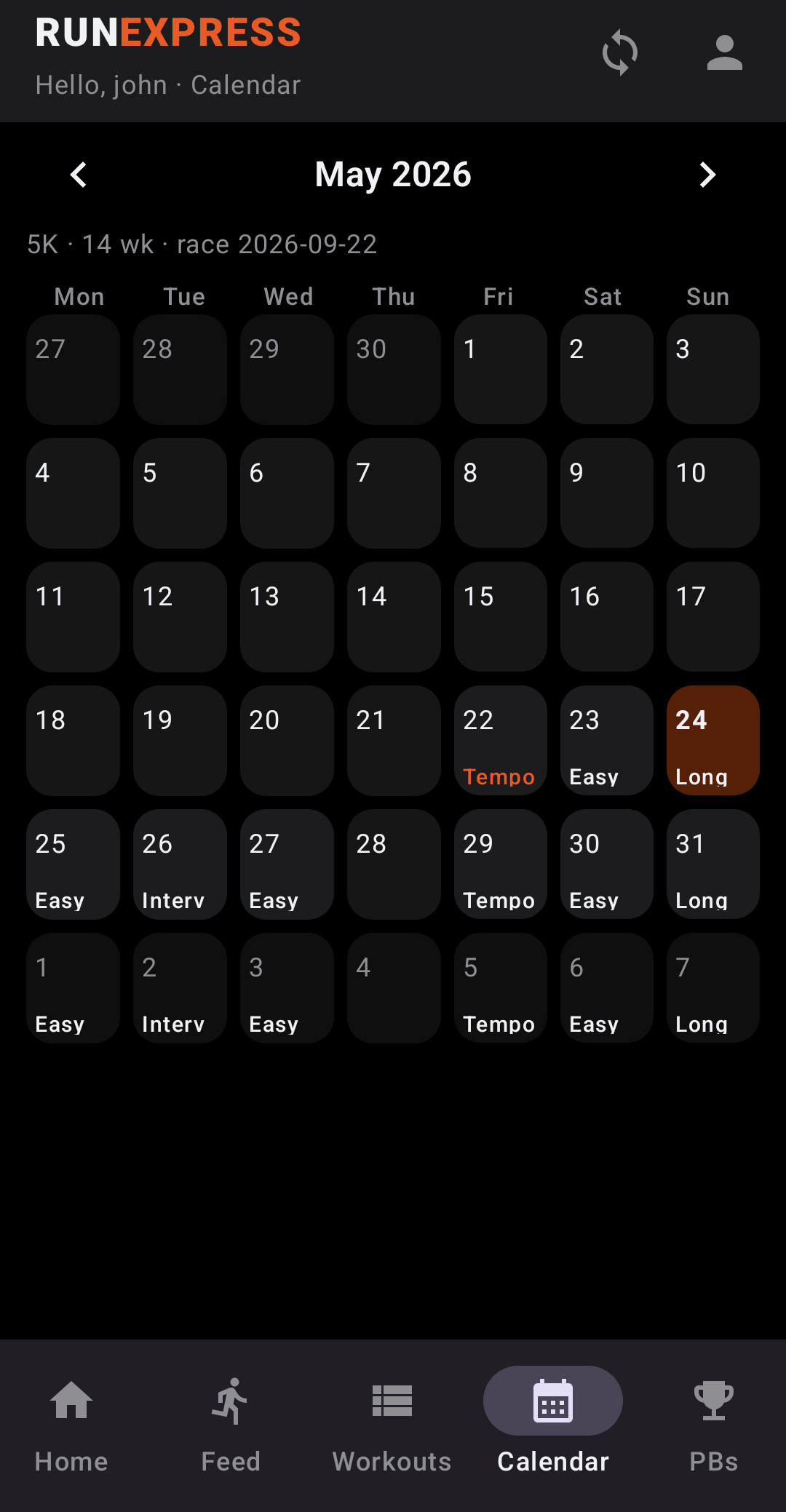
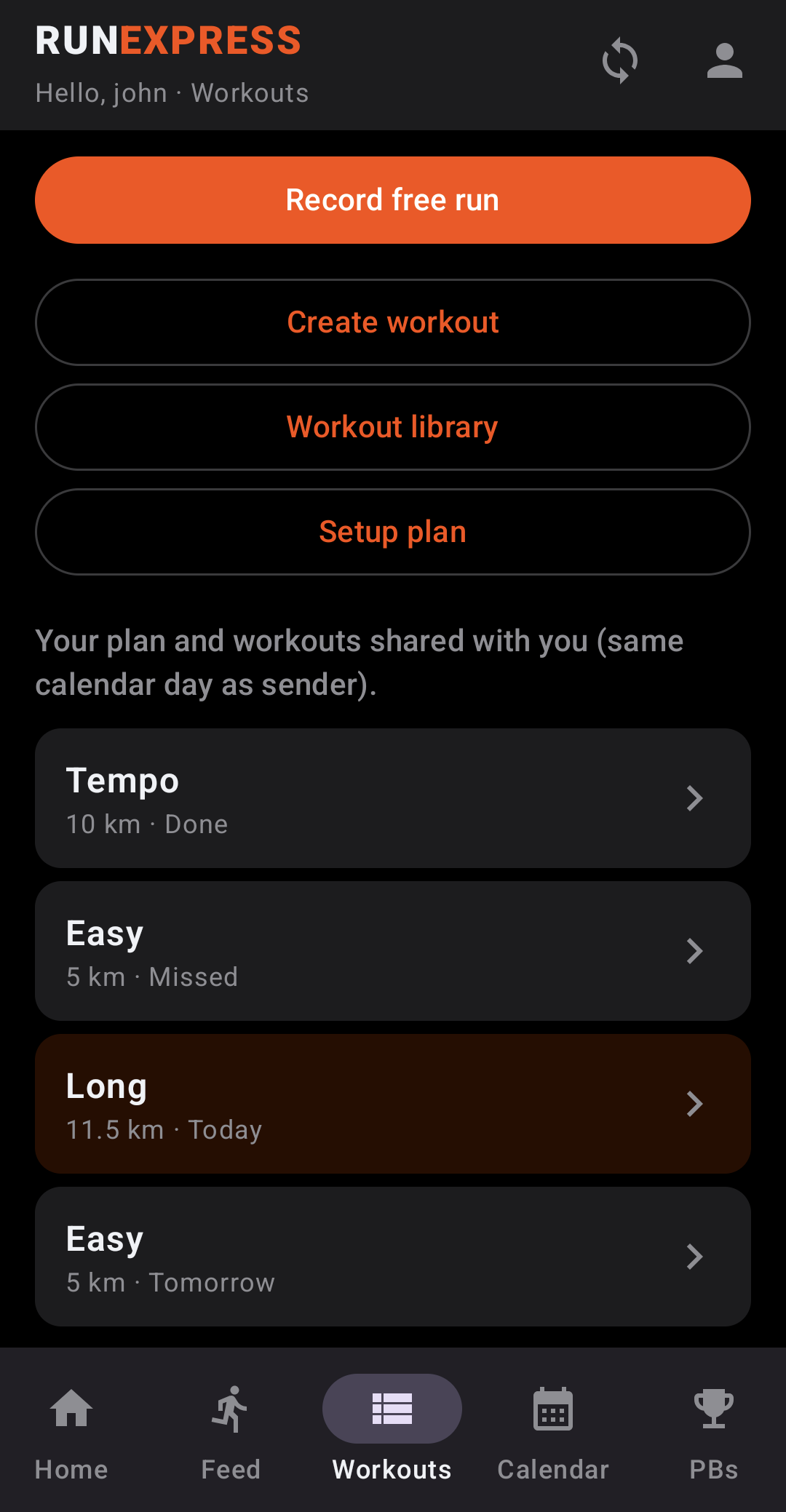
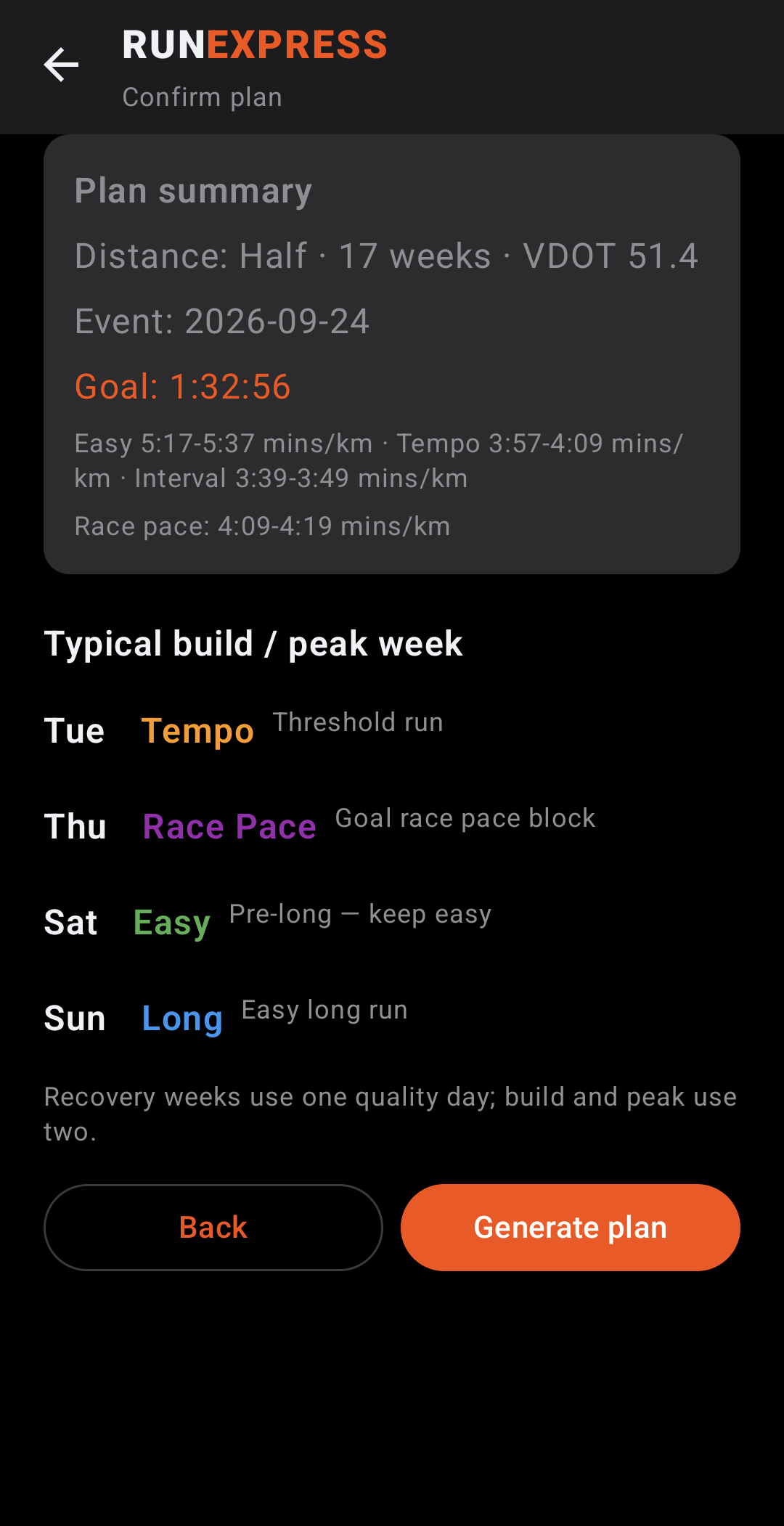
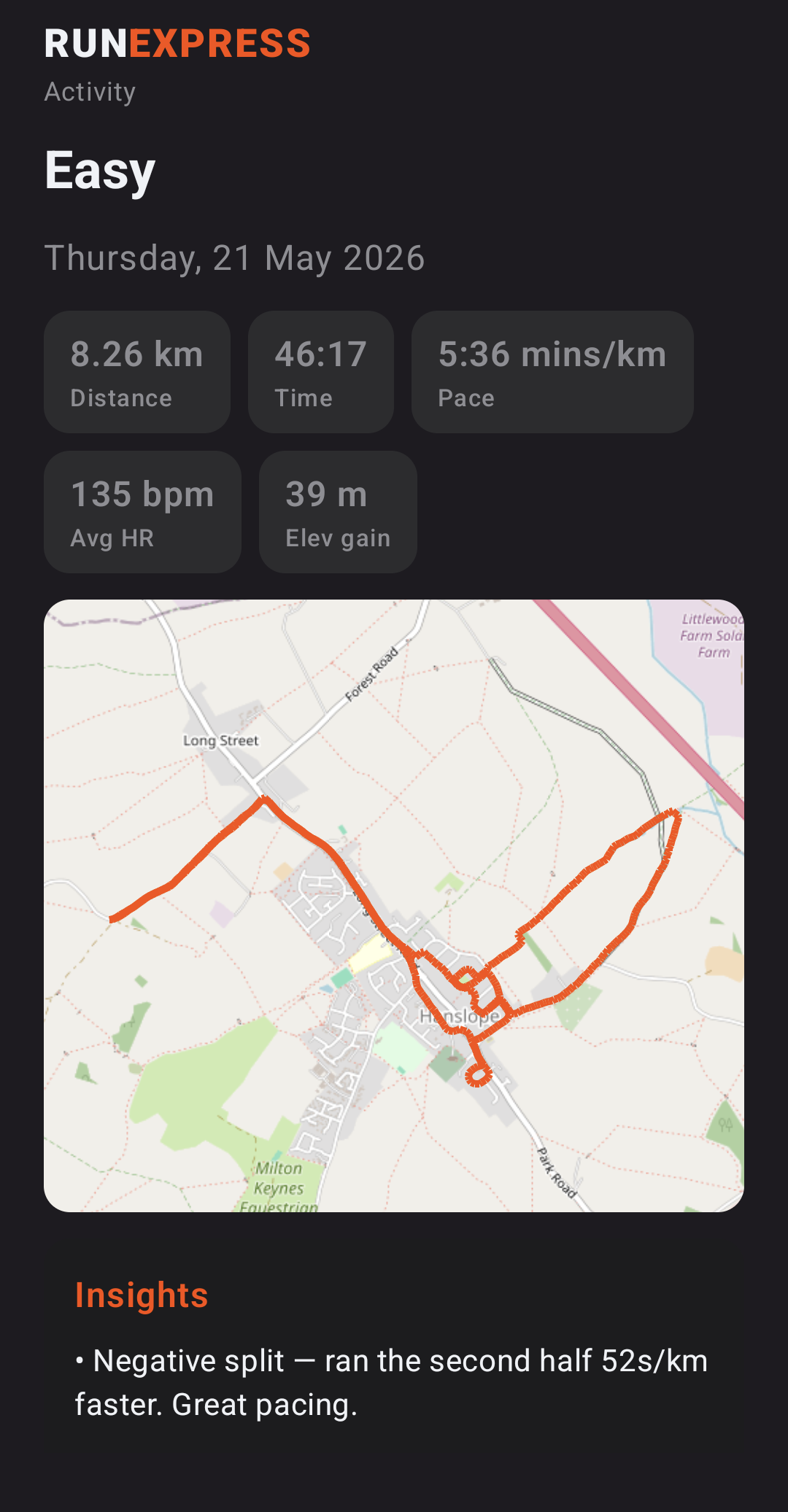
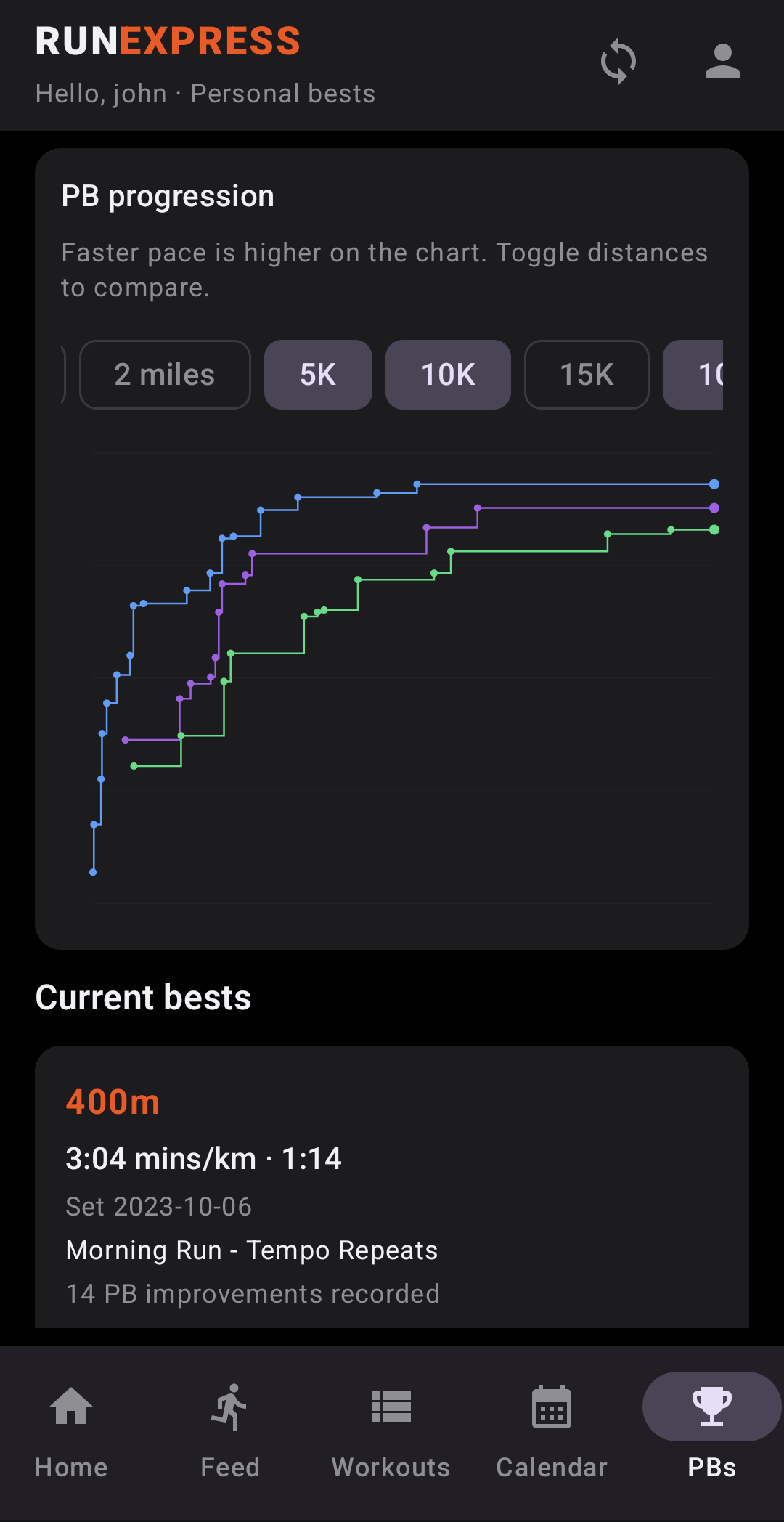
Home — today’s planned workout and quick actionsCalendar — planned sessions alongside completed runsWorkouts — browse and open any session from your planWorkout detail — intervals, targets, and Follow workoutActivity — GPS track, splits, and upload to RunExpressPBs — best efforts synced with your web dashboard
What you can do today
Sign in with the same email and password as runexpress.app (email verification required).
Follow a planned workout — step cues, optional beeps, and live pace vs targets when GPS is available.
Record a free run — foreground GPS recording uploads as a RunExpress activity (re_*) and appears on your web dashboard.
Link to your plan — completed phone recordings can attach to the calendar workout you intended.
Stay in sync — activities, PBs, and plan data use the same backend as the web app; Strava imports and phone recordings work alongside each other.
Privacy and permissions
Location is used only while you are actively recording or following a workout (foreground service). We do not track you in the background when you are not in a session. Uploaded tracks are stored with your other RunExpress activities under your account. See our privacy policy for full details.
Install the companion from Google Play (com.runexpress.companion).
Grant location when prompted, open today’s workout, and tap Follow workout — or start a free run from the Record tab.
Developers: the open-source Android project lives in the android/ folder of the RunExpress repo; see android/README.md for API endpoints and local dev against http://10.0.2.2:5173 on the emulator.